

DrumThrash Logo Icon
DrumThrash Drum Machine Software for PC

Guitar Chords & Scales Finder

The Professional Fretboard Workstation for 6 & 7-String Players

Stop guessing on the fretboard. Guitar Chords & Scales Finder helps guitar players identify chords, find matching scales, and learn the neck through interactive music theory tools. Tap notes to recognize chord names, explore inversions, slash chords, arpeggios, and modes, and use the scale finder to discover options that fit your musical context.
Get it on Google Play
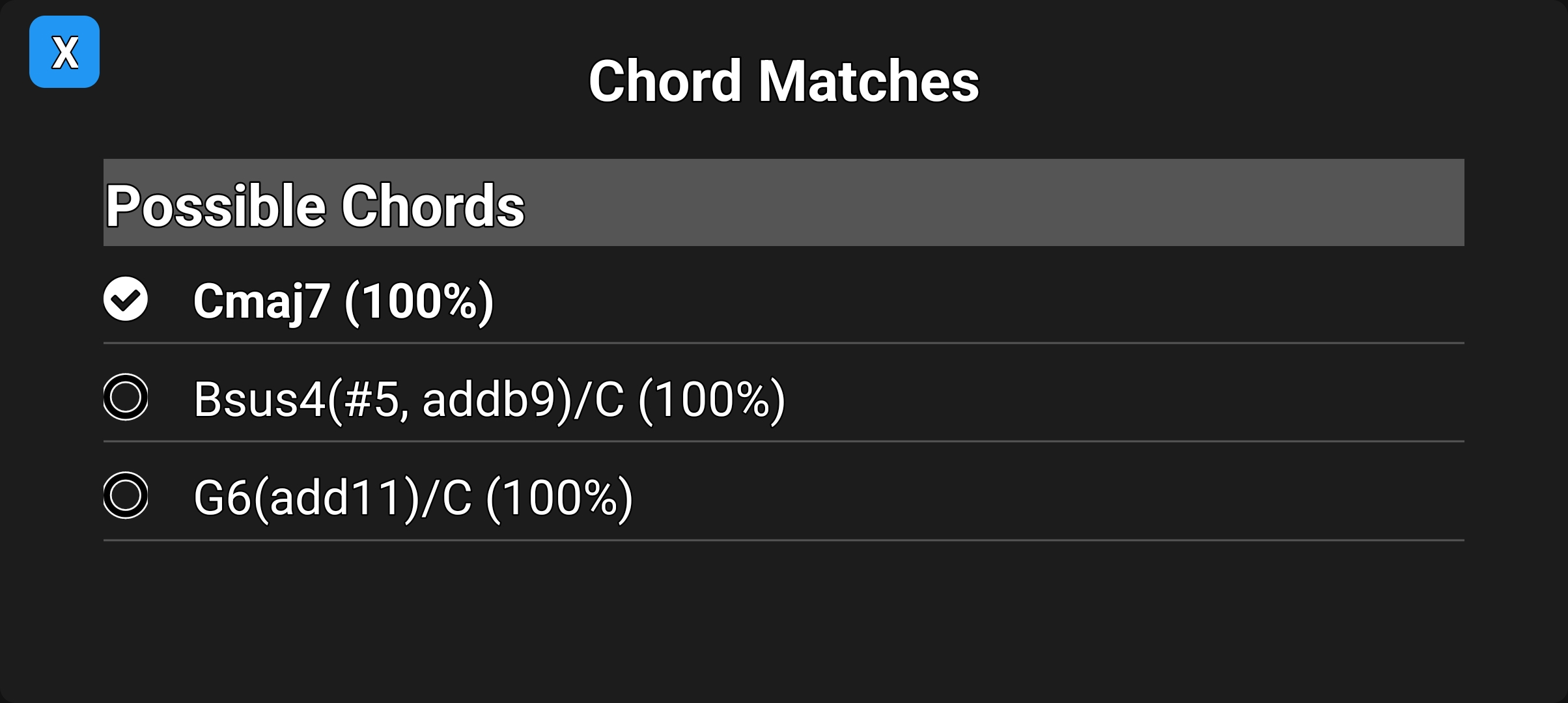
Guitar Chord Finder reverse lookup analyzer screen for 6 and 7-string guitar
Tap the fretboard to identify chords.
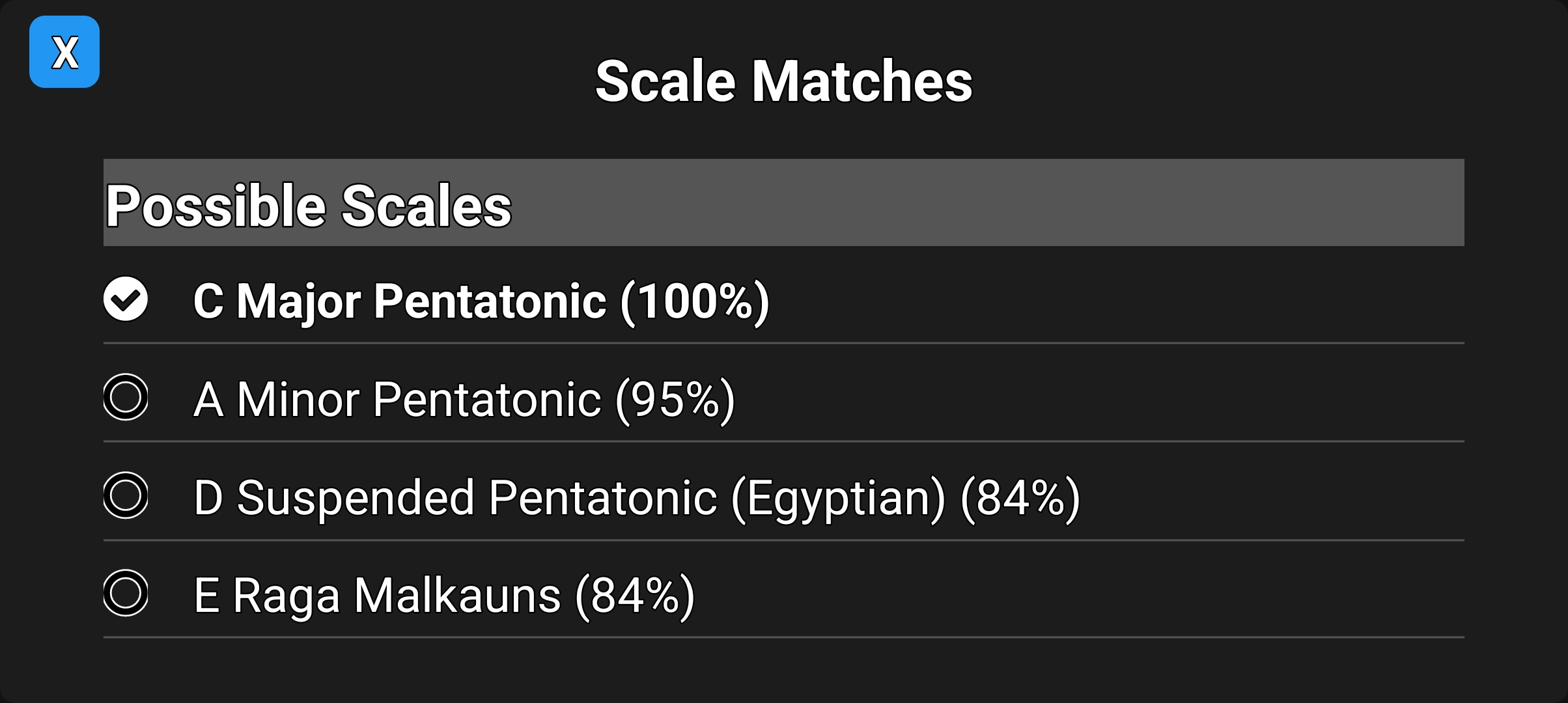
Guitar Chords & Scales Finder scale finder screen
Tap the fretboard to identify scales.
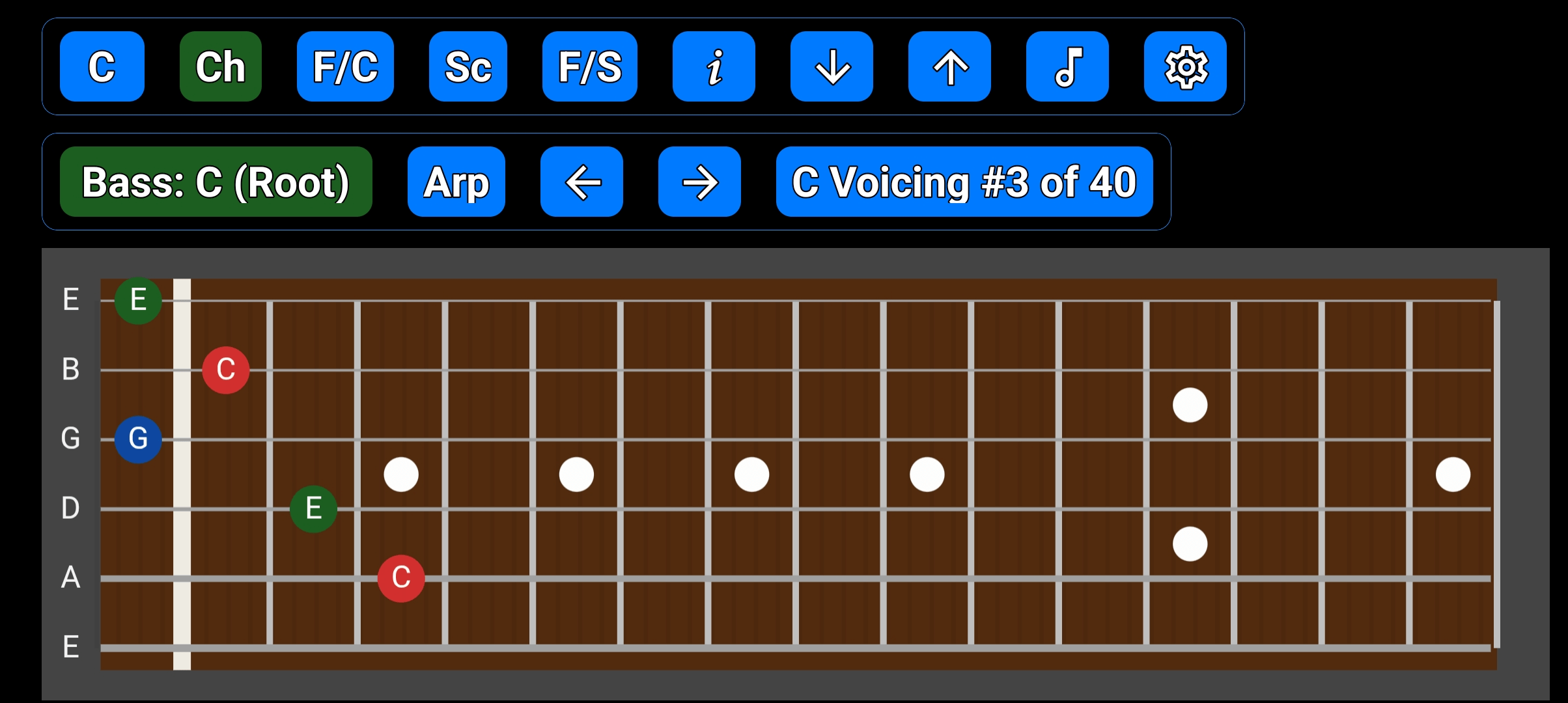
C major chord displayed on the virtual guitar fretboard
Display chords on the fretboard.
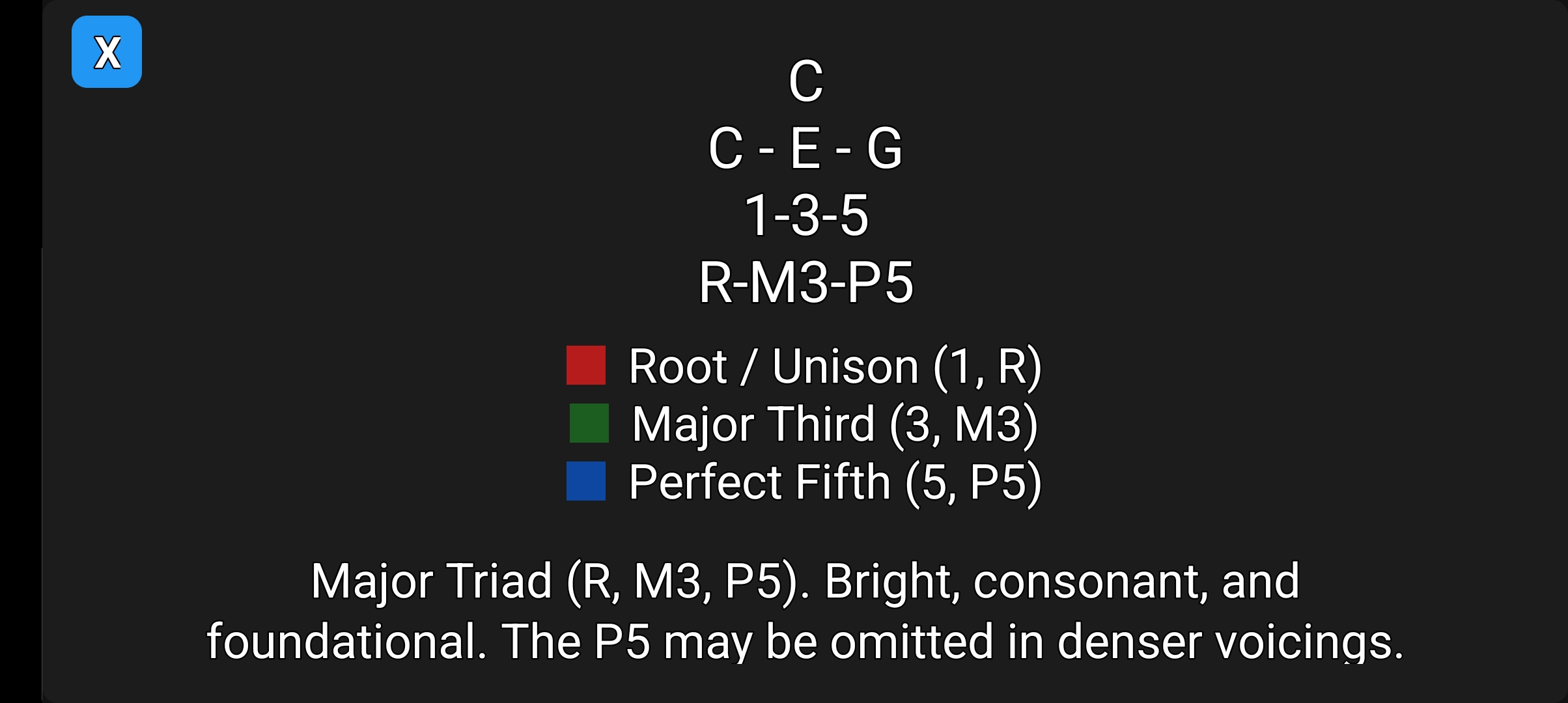
Chord information screen showing intervals and degrees for C major
Get detailed chord theory and info.
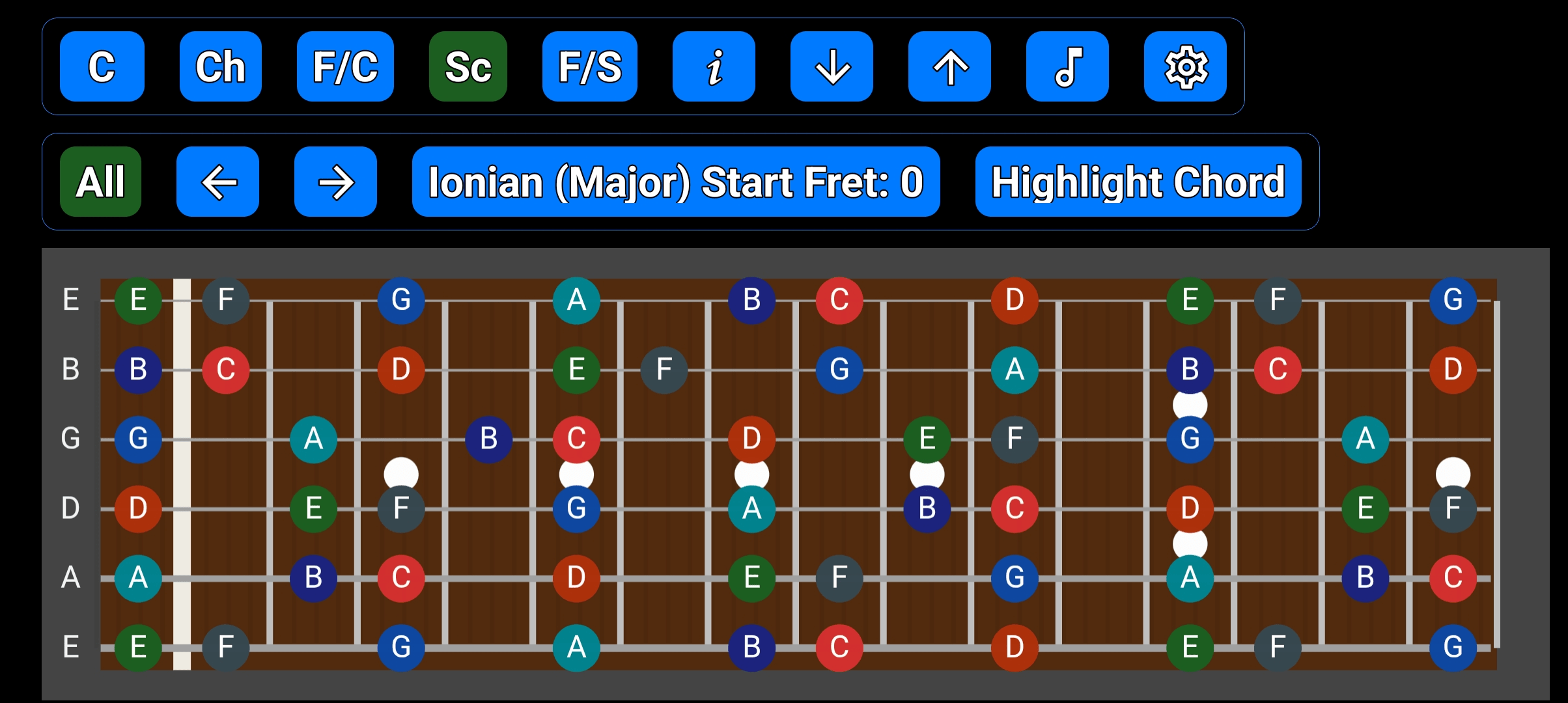
Full-neck guitar scale map showing Ionian major scale pattern
Visualize scales across the neck.
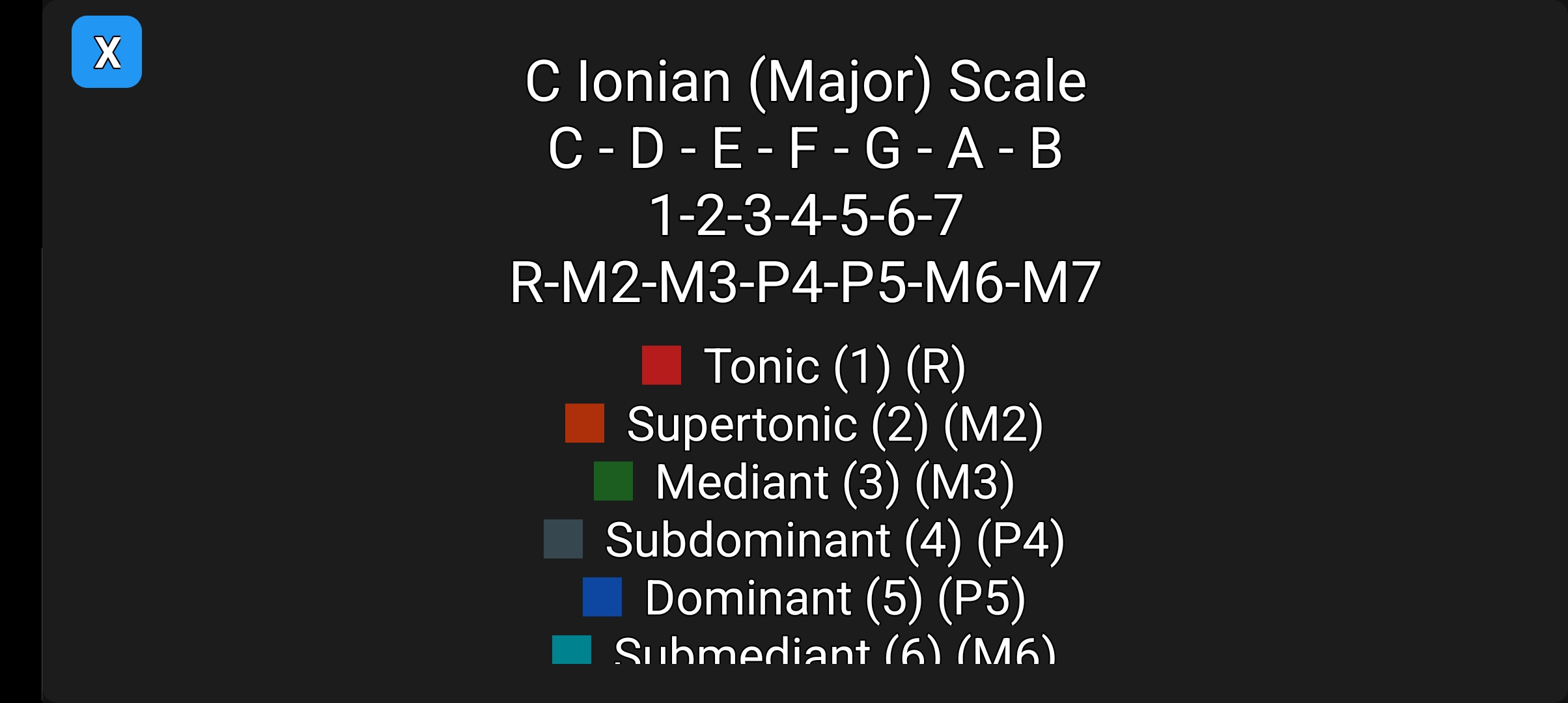
Scale information screen showing intervals and scale degrees
Get detailed scale theory and info.
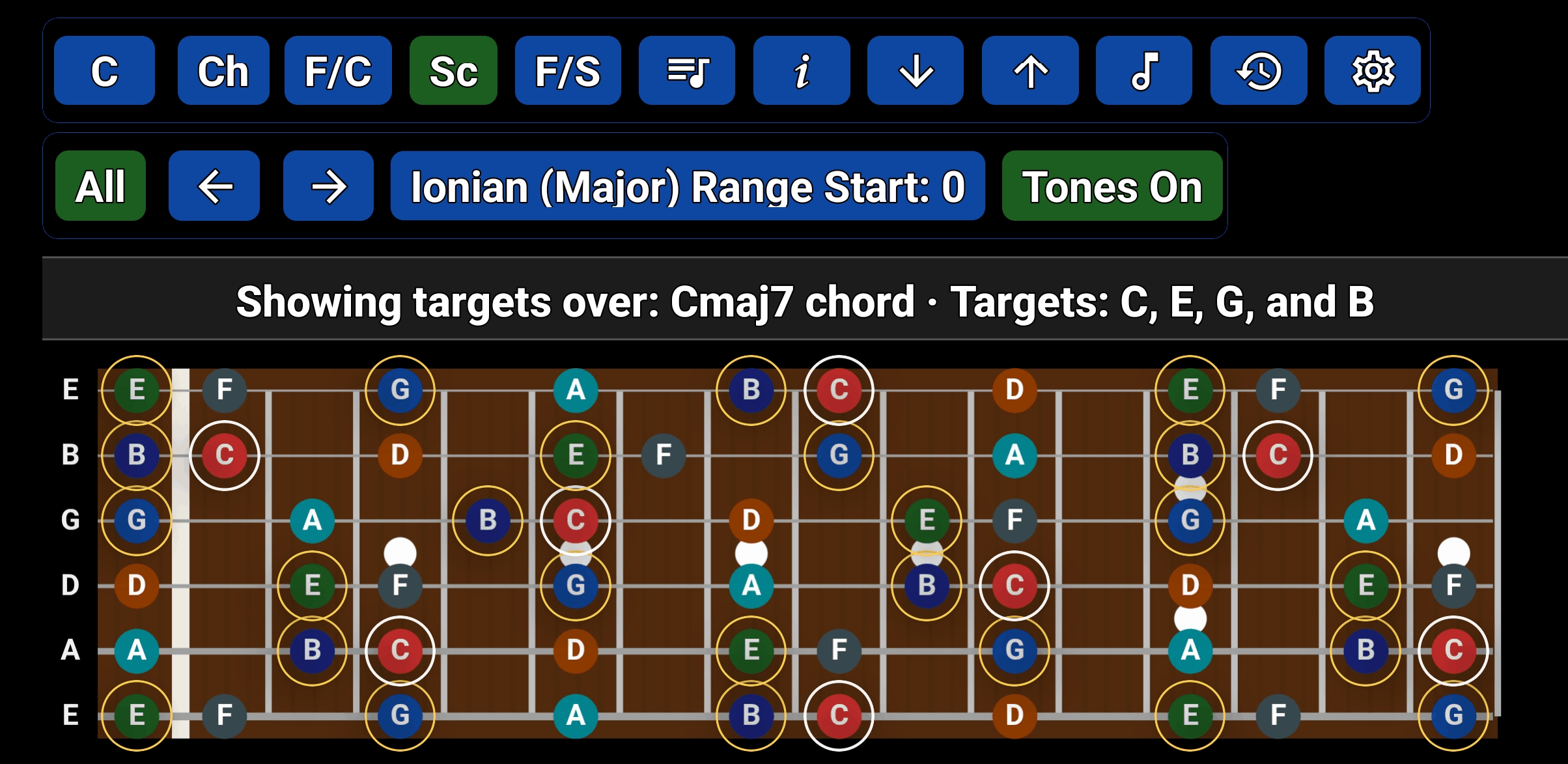
Highlighting chord tones within a guitar scale for soloing and improvisation
Highlight chord tones inside any scale.
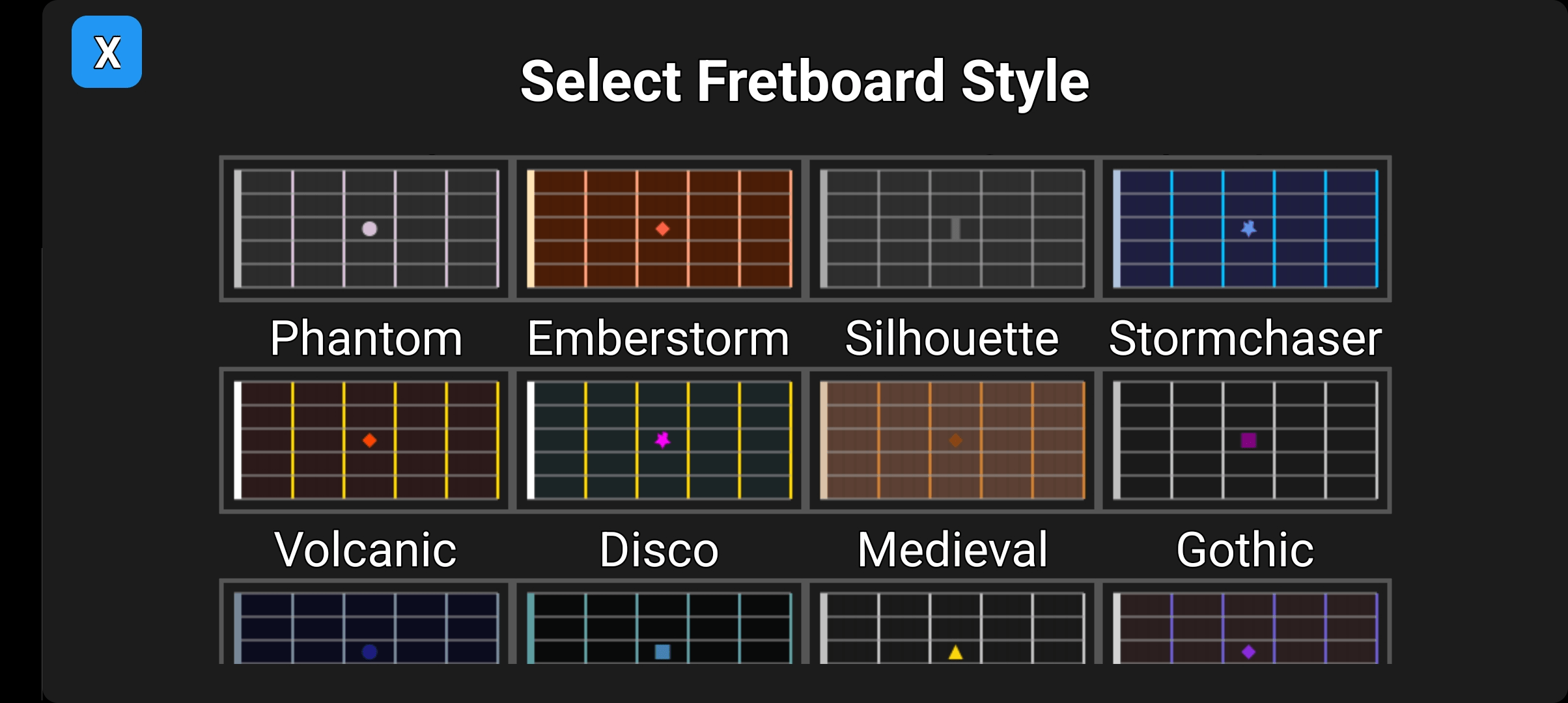
Different visual fretboard styles in the guitar app
Customize your fretboard theme.

Core Features

Interactive Tools & Theory

The Analyst Suite (Pro)

Upgrade to the Analyst Suite to unlock deep theory tools used by professionals:

Ready to level up your guitar skills? Download Guitar Chords & Scales Finder for Android and start identifying chords, finding scales, and mastering the fretboard.

Get it on Google Play

Frequently Asked Questions

How does the reverse guitar chord finder work?

The reverse guitar chord finder identifies chord names by analyzing the notes you select on the virtual fretboard. By tapping the specific frets you are playing, the app's heuristic engine instantly calculates the chord's name, including inversions, slash chords, and complex jazz voicings.

What is "Analyst Mode" in the chord finder?

Analyst Mode is a professional naming style that provides a detailed harmonic breakdown. Unlike standard labels, it identifies exactly which intervals are present or omitted (e.g., "Cmaj7 no5"), making it an essential tool for analyzing complex extensions.

Why does the chord finder show a confidence percentage?

When identifying ambiguous or partial voicings, the app calculates a confidence score for each result, ranking the most likely names based on formal music theory rules and harmonic interval relationships.

Can I find scales for 7-string guitar?

Yes. Guitar Chords & Scales Finder supports both 6-string and 7-string guitar, making it easy to explore scales, chords, arpeggios, and fretboard patterns on extended-range instruments.

What is a context-aware guitar scale finder?

A context-aware scale finder ranks potential scales based on the chords or notes you are currently playing. Instead of a generic list, it suggests the most musically relevant scales for your specific progression.

Does the app support CAGED and 3-Note-Per-String (3NPS) patterns?

Yes. The interactive fretboard allows you to master the neck using 5-fret positional windows (perfect for the CAGED system) or full-neck maps for 3-Note-Per-String patterns.

Guitar Chords & Scales Finder is an Android app for identifying guitar chords, finding matching scales, and learning the fretboard through interactive music theory tools. Tap notes on the neck to analyze chord names, inversions, slash chords, intervals, arpeggios, and chord-scale relationships. Built for 6-string and 7-string guitar, the app helps players explore voicings, patterns, modes, alternate tunings, and realistic audio playback in one place.

Copyright © DrumThrash 2026, All rights reserved
DrumThrash Drum Software
Facebook
Twitter
Youtube